Working area
Published model range
Monport
76/100Score1 reviewManufacturer store · monportlaser.com
USD · tax & shipping extra · Recorded 2026-11-19
Monport GM / GM Pro Q-switched Integrated Fiber (20/30/50W) 20W / GM 20W (Manual Focus | 4.3 × 4.3" Area) / Machine
$1,410Research byPickaLaserResearch updatedResearch method
This comparison covers Monport GM / GM Pro Q-switched Integrated Fiber (20/30/50W) using published specifications, recorded seller prices and any available owner evidence.
Selected configuration: Monport GM / GM Pro Q-switched Integrated Fiber (20/30/50W) 20W / GM 20W (Manual Focus | 4.3 × 4.3" Area) / Machine · monportlaser.com · Original listing ↗
Metal identification & engraving
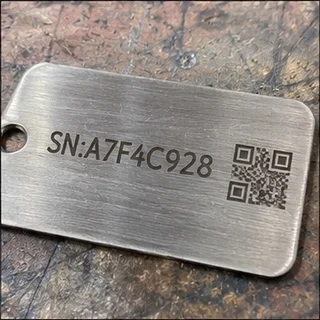
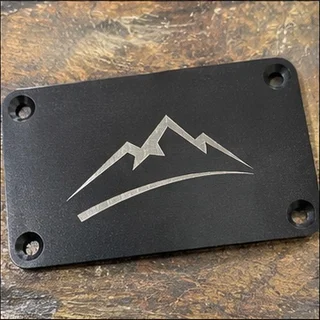

Published model range
Air-cooled
Windows & Mac
A GM50 owner could engrave but could not preview the design with the red dot in LightBurn 1.7.06. Later the same day, the owner confirmed that changing the red-dot output setting restored framing. This was a resolved setup issue, not a failed laser source.
LightBurn Software Forum · Owner-reported case
A GM50 owner could engrave but could not preview the design with the red dot in LightBurn 1.7.06. Later the same day, the owner confirmed that changing the red-dot output setting restored framing. This was a resolved setup issue, not a failed laser source.
The machine is named GM50. The case is not transferred to GM60 MOPA or presented as a test of every GM Pro board revision.
Read original source: GM50: red-dot setup restored framing ↗An editorial buying assessment of specifications, prices, after-sales terms and the quality and balance of firsthand experiences. This is not a laboratory test or a customer star rating.
Reviews: evidence quality contributes 10 points and reported experience contributes 20. We average independent accounts; more reviews do not automatically earn more points. Sample size affects confidence only.
Mixed or unrated accounts use the experience midpoint; they are not counted as positive endorsements.
The owner describes a concrete setup problem and later confirms that the adjustment or workaround worked.
LightBurn Software Forum · 2025-02-25 · muskee68 · Self-reported use
A GM50 owner could engrave but could not preview the design with the red dot in LightBurn 1.7.06. Later the same day, the owner confirmed that changing the red-dot output setting restored framing. This was a resolved setup issue, not a failed laser source.
Read the original discussion: GM50: red-dot setup restored framing| Rated power | 20 W |
|---|
| Rated power | GM30 Pro: 30 W; GM50 Pro: 50 WSource ↗ |
|---|---|
| Laser source | GM30 / GM50 Pro: MAXSource ↗ |
| Working area | GM30 / GM50 Pro: 150 × 150 mmSource ↗ |
| Machine weight | GM30 Pro: 17.1 kg; GM50 Pro: 15.6 kgSource ↗ |
| Marking speed | 10,000 mm/sSource ↗ |
| Precision | 0.01 mmSource ↗ |
| Focus method | AutofocusSource ↗ |
| Software | BslAppSimple (Windows); LightBurn (separate license, Windows / macOS)Source ↗ |
| Cooling | Air-cooledSource ↗ |
| Wavelength | 1064 nmSource ↗ |
| Dimensions | 400 × 330 × 620 mmSource ↗ |
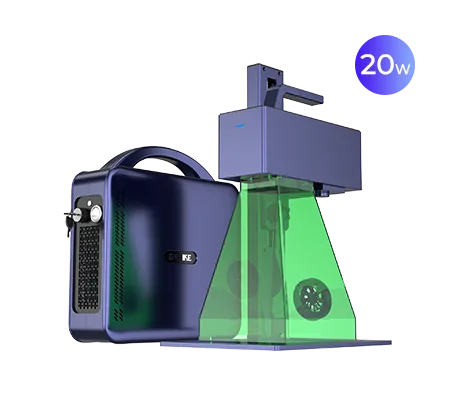
Gweike
The listed working area is G2 20W: 110mm*110mm/150mm*150mm.
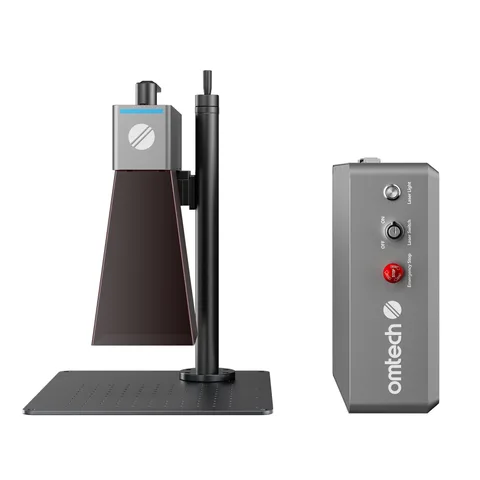
OMTech
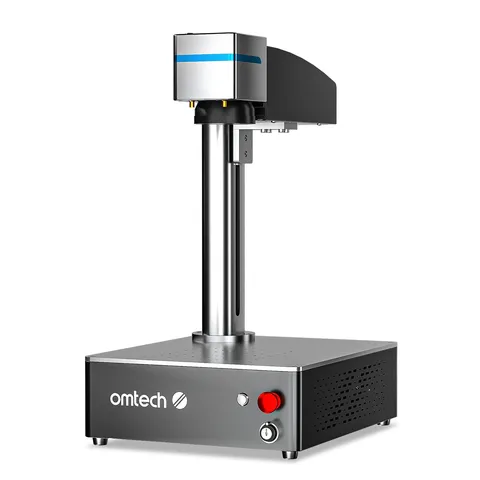
A desktop layout for a bench setup.
OMTech
LightBurn is supported.
OMTech
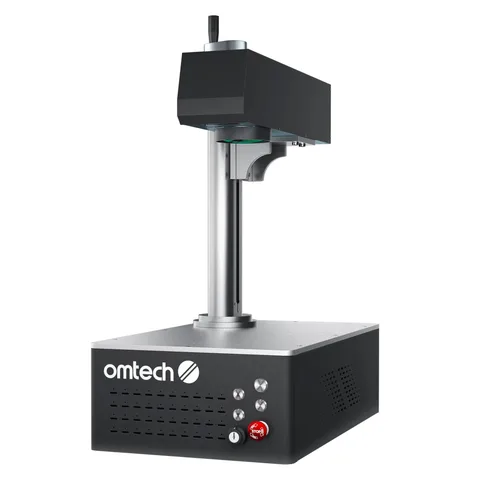
A desktop layout for a bench setup.