Working area
Published model range
Not published
Monport
49/100Score10 reviewsAmazon · Monport Direct
GA100 100W MOPA / selected 100W
Check price on AmazonResearch byPickaLaserResearch updatedResearch method
The current GA100 listing specifies 100W, autofocus and a 2–500 ns pulse-width range. Historical GA-family evidence includes a GA30 owner reporting near-daily work on metals, rings and drinkware, while a manufacturer-supplied GA60 review found autofocus convenient. Those accounts support considering the workflow, while keeping the older power variants separate from today’s GA100.
Configuration and bundle details need attention. A supplied GA60 review found conflicting calibration instructions; a separate GA60 owner reported inadequate hood/rotary clearance for autofocus on roughly 80 mm objects. A GA100 owner reported lost output and a promised warranty replacement, but neither the proposed back-reflection diagnosis nor a completed replacement was independently confirmed.
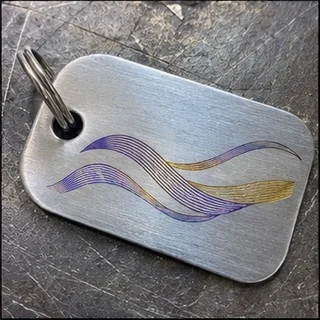
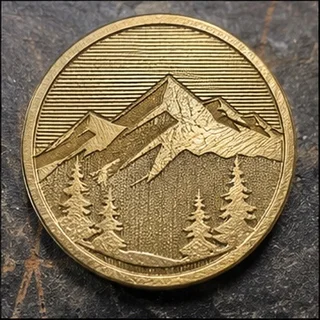
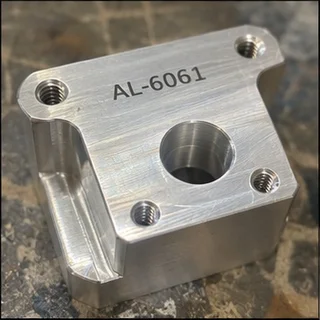
Controlled-pulse metal marking & engraving
Published model range
Not published
Cooling not published
Windows only
Windows & Mac
The video description discloses affiliate links.
Watch on YouTube · JT Makes It · 3:02 ↗Monport supplied the GA60. The reviewer disclosed affiliate links.
Watch on YouTube · Hoffman Engineering · 8:28 ↗An editorial buying assessment of specifications, prices, after-sales terms and the quality and balance of firsthand experiences. This is not a laboratory test or a customer star rating.
Reviews: evidence quality contributes 10 points and reported experience contributes 20. We average independent accounts; more reviews do not automatically earn more points. Sample size affects confidence only.
Mixed or unrated accounts use the experience midpoint; they are not counted as positive endorsements.
The owner documents the fault, test conditions and several troubleshooting steps; the cause remains unconfirmed.
The owner describes a concrete setup problem and later confirms that the adjustment or workaround worked.
The owner describes a specific operational problem, but the available account does not establish its cause or a completed repair.
The owner describes a concrete setup problem and later confirms that the adjustment or workaround worked.
The owner describes a concrete setup problem and later confirms that the adjustment or workaround worked.
The author describes ownership or asks for settings, but does not provide a clear positive or negative operating verdict.
This is a short first-person verdict with little detail about workload, settings or troubleshooting.
The original account could not be reread in this audit. Its previous verdict is retained, but detailed content quality is not verified.
The original account could not be reread in this audit. Its previous verdict is retained, but detailed content quality is not verified.
The original account could not be reread in this audit. Its previous verdict is retained, but detailed content quality is not verified.
Reddit · 2026-08-29 · Alpharius1701 · Self-reported use
An owner lost laser output while marking mirror-finish 304 stainless steel. A WhatsApp engineer arranged a warranty replacement. Back-reflection damage was the engineer's explanation; the archive does not confirm the cause or a completed replacement.
Read the original discussion: GA100: output stopped during stainless-steel color markingLightBurn Software Forum · 2025-09-13 · Asunsell · Self-reported use
After connection failed in LightBurn 2.0.03, the owner kept 2.0.02 for the fiber machine. The software team later announced a fix, without a further confirmation from this owner.
Read the original discussion: GA30: an owner kept an older LightBurn version to stay workingLightBurn Software Forum · 2025-09-07 · nunley · Self-reported use
USB recognized the machine, but LightBurn 2.0.03 could not connect. The software team later said 2.0.04 fixed the issue; the owner did not return to verify that result.
Read the original discussion: GA60: a LightBurn update broke connection for one ownerLightBurn Software Forum · 2025-04-09 · halbi94 · Self-reported use
A new owner could not find the Q-pulse setting and thought the source was restricted. After correcting the source type and range as advised, they reported stainless-steel color marking the next day.
Read the original discussion: GA30 MOPA: correcting source settings enabled color markingLightBurn Software Forum · 2024-12-28 · SWICK · Self-reported use
An owner reported continued firing or trailing marks at the end of jobs while BSLCAD worked normally. They later said setting Open MO Delay to zero fixed it. A software source-type setting does not prove a particular installed source brand.
Read the original discussion: GA100: a delay-setting change resolved trailing marksLightBurn Software Forum · 2024-12-25 · Data77 · Self-reported use
An owner wanted a safety-door switch but could not identify the right port or disassembly method. The LightBurn setting did not match the rear connections. No completed modification or verified result is recorded.
Read the original discussion: GA100: an owner asked about adding a door interlockReddit · 2024-05-04 · rodneymcnutt · Self-reported use
An owner reported near-daily use since April on leather, aluminum, steel, stainless steel, slate, rings and drinkware. They liked autofocus and the rotary and reported no quality problems in their own machine.
Read the original discussion: GA30: near-daily use and a useful rotaryYouTube · @eingoogle-nutzer4861 · Self-reported use
An owner said the standard hood and rotary left insufficient clearance for roughly 80 mm diameter objects to autofocus as expected. Slow support affected planned production. The creator had not tested that rotary, and no owner-confirmed fix followed.
Original unavailable · Previous summary not reverified
Read the original review: GA60 rotary: clearance and autofocus were a problem for one ownerYouTube · @italogiannini3543 · Self-reported use
An owner could not use the machine's lower button to start jobs as shown in the video and asked about LightBurn or BSL settings. No resolution is recorded, and neither a settings cause nor hardware damage was confirmed.
Original unavailable · Previous summary not reverified
Read the original review: GA60: an owner could not start jobs from the body buttonYouTube · @CregBell1962 · Self-reported use
A commenter said they had received the same machine and kept struggling with parameters, asking the creator for a settings file. The model-family association comes from the video context; full configuration and outcome were not confirmed.
Original unavailable · Previous summary not reverified
Read the original review: GA60: a new owner asked for working settingsYouTube · 2025-08-27 · Riverside Woodworks · Commercial review
Riverside Woodworks used the GA60 on tools and bottle openers. A difficult coin test involved brass-plated material rather than solid brass, not a confirmed hardware fault. The video includes a discount or referral relationship and no documented repair.
Original unavailable · Previous summary not reverified
Read the original review: GA60: useful shop projects, with a misleading coin blankYouTube · 2025-04-28 · Hoffman Engineering · Commercial review
Hoffman Engineering tested a Monport-supplied GA60 for about a month on stainless-steel color, brass and thin metal. He liked autofocus but found conflicting Galvo calibration values and observed thin-sheet warping. He did not have the rotary, so the review cannot endorse that bundle.
Original unavailable · Previous summary not reverified
Read the original review: GA60: convenient autofocus, with conflicting calibration instructions| Rated power | 100 W |
|---|
| Rated power | 100WSource ↗ |
|---|---|
| Wavelength | 1064nmSource ↗ |
| Electrical | 110-120V 60HzSource ↗ |
| Frequency | 1-3000 kHzSource ↗ |
| Engraving accuracy | 0.01 mmSource ↗ |
| Repeatability | ±0.1 µmSource ↗ |
| Pulse width | 2-500 nsSource ↗ |
| Pulse energy | 1.5 mJSource ↗ |
| Focus method | AutofocusSource ↗ |
| Software (GA100) | GA100: BslAppSimple included; LightBurn compatibleSource ↗ |
OMTech
The listed working area is 175 × 175 mm.
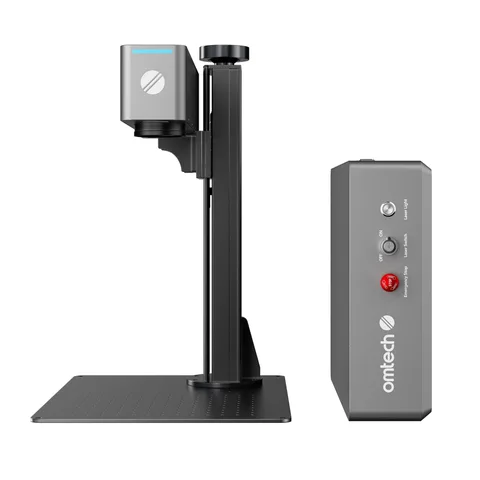
OMTech
LightBurn is supported.
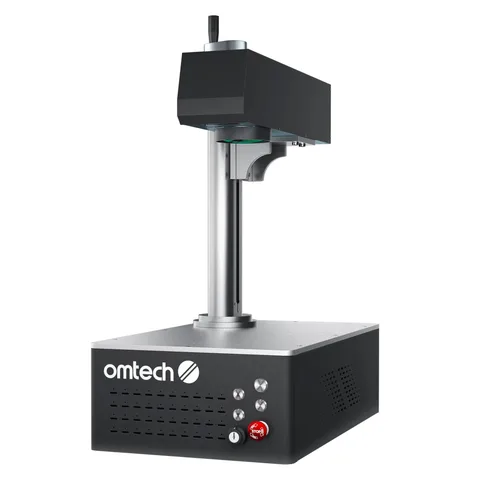
OMTech
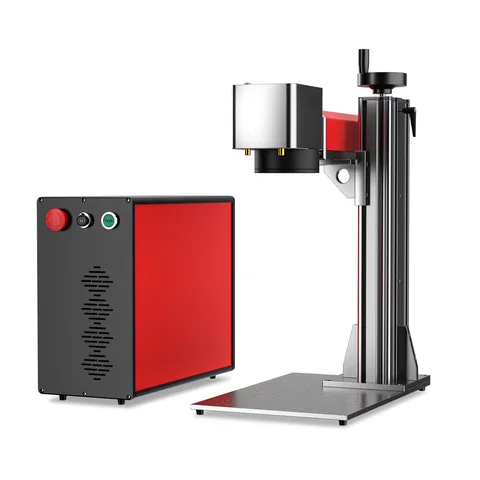
A desktop layout for a bench setup.
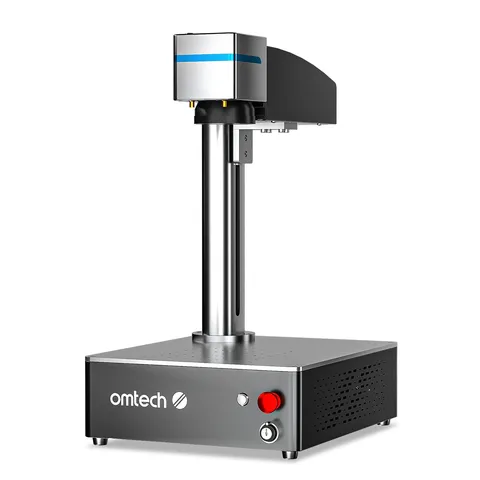
OMTech
The listed working area is 150 × 150 mm.