Working area
Selected field
Longer
58/100Score2 reviewsAmazon · Amazon.com
USD · tax & shipping extra · Recorded 2026-11-15
The 400 × 365 mm area gives signs and batches more room. Owner reports describe both useful project results and motion or firmware problems, so check geometry before a long job.
Ray5; 20W; 400 × 365 mm
$369.97Research byPickaLaserResearch updatedResearch method
This comparison covers Longer Ray5 20W using published specifications, recorded seller prices and any available owner evidence.
Selected configuration: Ray5; 20W; 400 × 365 mm · Amazon.com · Original listing ↗
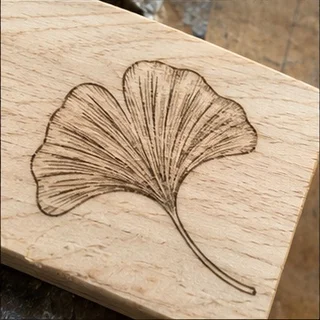
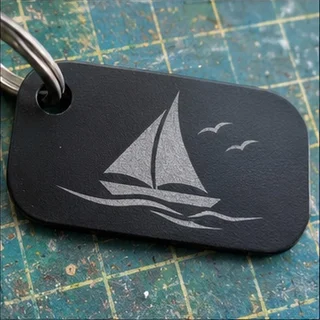
Wood, leather & coated-material personalization

Selected field
Cooling not published
Windows only
Windows & Mac
Ray5 20W accounts describe a resolved speed-setting issue and a separate owner’s unresolved setup and documentation difficulties.
LightBurn Software Forum · Owner-reported case
A Ray5 20W owner found it slower than an older 5W machine after changing the rotary speed settings. The owner later confirmed that restoring the controller’s axis-rate settings fixed the problem. It shows why a slow job can come from configuration rather than a weak laser; the thread does not measure cutting capacity.
The case explicitly names Ray5 20W. The older Ray5 5W mentioned for comparison is not the reviewed product.
Read original source: Ray5 20W: a speed problem resolved through controller settings ↗Reddit · Owner-reported case
A new 20W owner struggled with Rayforge on Linux, Wi-Fi access, touchscreen settings and job origin. Longer explained several controls in the thread, but the captured discussion contains no owner-confirmed fix.
Named Ray5 20W setup experience; exact Amazon bundle unverified. Support suggestions and origin limitations are not independent performance measurements.
Read original source: Ray5 20W: documentation and connection friction ↗An editorial buying assessment of specifications, prices, after-sales terms and the quality and balance of firsthand experiences. This is not a laboratory test or a customer star rating.
Reviews: evidence quality contributes 10 points and reported experience contributes 20. We average independent accounts; more reviews do not automatically earn more points. Sample size affects confidence only.
Mixed or unrated accounts use the experience midpoint; they are not counted as positive endorsements.
The owner describes a repeatable speed comparison, rotary-setting changes and a confirmed fix to axis maximum rates; this is a resolved configuration issue.
The 20W owner lists concrete Linux, Wi-Fi, origin and documentation problems; the manufacturer replies, but the owner does not confirm a resolution.
LightBurn Software Forum · 2024-03-07 · Bjsims · Self-reported use
A Ray5 20W owner found it slower than an older 5W machine after changing the rotary speed settings. The owner later confirmed that restoring the controller’s axis-rate settings fixed the problem. It shows why a slow job can come from configuration rather than a weak laser; the thread does not measure cutting capacity.
Read the original discussion: Ray5 20W: a speed problem resolved through controller settingsReddit · 2026 · Steel_Weasel · Self-reported use
A new 20W owner struggled with Rayforge on Linux, Wi-Fi access, touchscreen settings and job origin. Longer explained several controls in the thread, but the captured discussion contains no owner-confirmed fix.
Read the original discussion: Ray5 20W: documentation and connection friction| Rated power | 20 W |
|---|---|
| Working area | 400 × 365 mm |
| Software | LightBurn |
| Dimensions | 24.5 × 14 × 5 inches |
| Working area | 400 × 365mm |
|---|---|
| Software | LightBurn |
| Rated power (quoted module) | 20W high-power laser module |
| Dimensions | 24.5 × 14 × 5 inches |
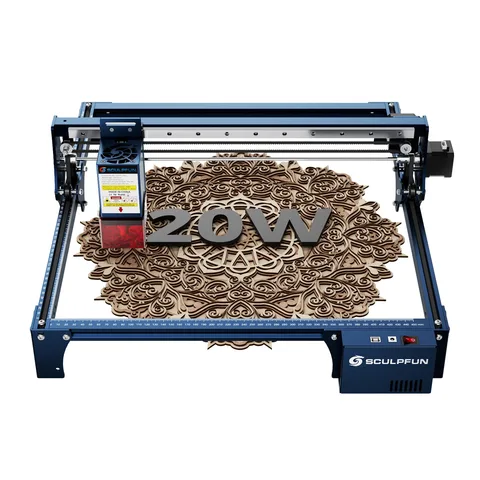
SCULPFUN
LightBurn is supported.
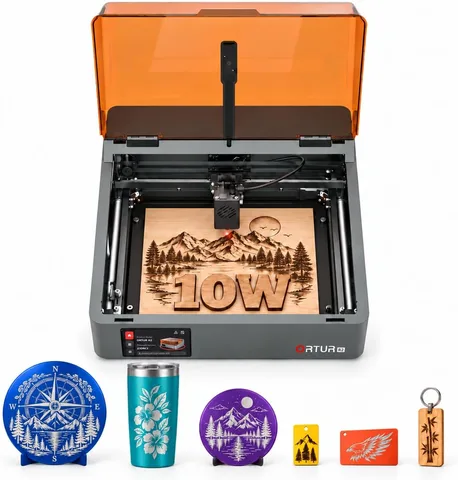
ORTUR
LightBurn is supported.
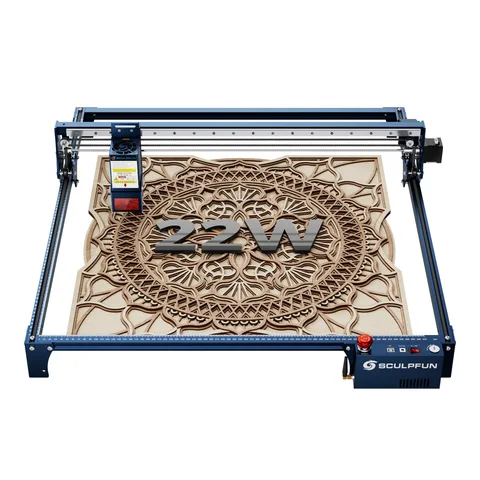
SCULPFUN
LightBurn is supported.
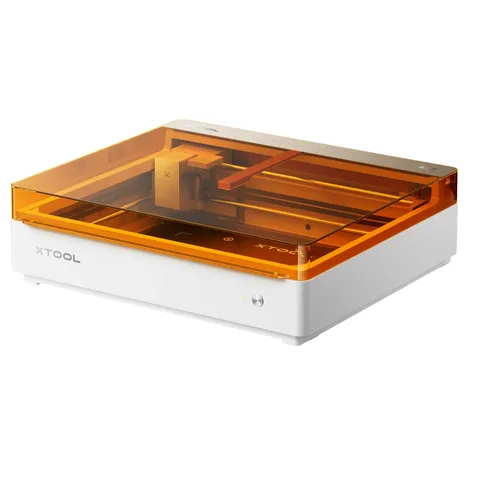
xTool
Autofocus handles the focusing step.