Working area
Published model range
xTool
92/100Score3 reviewsAmazon · xTool Official
USD · tax & shipping extra · Recorded 2026-11-13
M2 Basic 10W
$499Research byPickaLaserResearch updatedResearch method
The M2 has encouraging small-craft reports: a first-time 10W owner made cork coasters and leather keychains within weeks and found setup and xTool Studio approachable. An experienced M2 operator also liked the software and rotary workflow. Their module was unspecified, so these experiences do not benchmark the 20W or 40W options.
Positioning still took rulers and jigs for the 10W beginner, who also reported a mirrored camera view. A second 10W owner found that balsa presets scorched the base and varied across the sheet. An experienced M2 owner separately raised air-assist movement, limited height and extraction concerns; their module was unspecified.
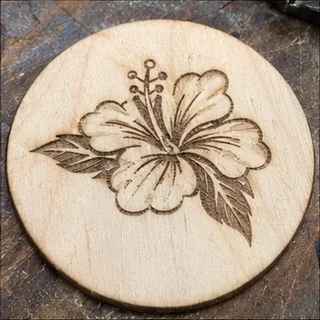
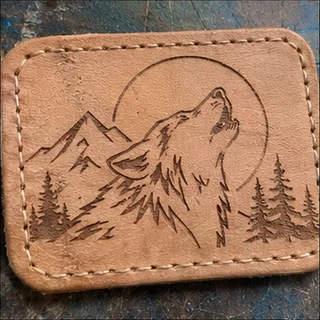
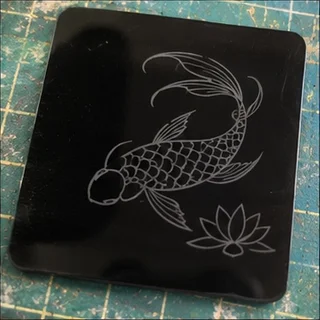
Wood, leather & coated-material personalization
Published model range
Cooling not published
Windows & Mac
An experienced laser operator describes three weeks of M2 use, easy software, camera positioning and rotary projects. Small pieces moving under air assist, limited height and weak extraction remain practical concerns.
Reddit · Owner-reported case
A first-time M2 owner was making cork coasters and leather keychains within weeks. Setup and xTool Studio were approachable, but aligning straight-edged parts and a mirrored camera view caused trouble. The owner used rulers and jigs to position work. The account covers the 10W diode; the optional IR head had not been tried.
TrainAss explicitly identifies the 10W head and says the 3W IR head is not owned. A later post by the same author would still count as one case.
Read original source: M2 10W: good small projects, placement takes practice ↗Reddit · Owner-reported case
Another M2 10W owner found that the supplied balsa cut easily but left marks on the base, even at faster, lower-power test settings. The owner later saw different results elsewhere on the sheet and on plywood. The report supports testing each material rather than treating a preset as a guaranteed result.
A separate named 10W owner. No cutting recipe or durability claim is transferred to the 20W head or printer module.
Read original source: M2 10W: presets marked the base beneath thin balsa ↗Reddit · Owner-reported case
An experienced laser operator describes three weeks of M2 use, easy software, camera positioning and rotary projects. Small pieces moving under air assist, limited height and weak extraction remain practical concerns.
One named model-family account; the current exact configuration is unverified.
Read original source: M2: useful camera and rotary workflow, with extraction limits ↗An editorial buying assessment of specifications, prices, after-sales terms and the quality and balance of firsthand experiences. This is not a laboratory test or a customer star rating.
Reviews: evidence quality contributes 10 points and reported experience contributes 20. We average independent accounts; more reviews do not automatically earn more points. Sample size affects confidence only.
Mixed or unrated accounts use the experience midpoint; they are not counted as positive endorsements.
Describes several weeks of 10 W projects, setup, camera alignment and workholding, including both successful results and limitations.
Tests named 3 mm materials at several speed and power settings and reports excessive scorching; this is a settings complaint, not a confirmed hardware fault.
Compares existing machines and describes setup, cameras, probing, rotary jobs and extraction limitations after several weeks of use.
Reddit · 2026-06-23 · TrainAss · Self-reported use
A first-time M2 owner was making cork coasters and leather keychains within weeks. Setup and xTool Studio were approachable, but aligning straight-edged parts and a mirrored camera view caused trouble. The owner used rulers and jigs to position work. The account covers the 10W diode; the optional IR head had not been tried.
Read the original discussion: M2 10W: good small projects, placement takes practiceReddit · 2026-07-23 · selem87 · Self-reported use
Another M2 10W owner found that the supplied balsa cut easily but left marks on the base, even at faster, lower-power test settings. The owner later saw different results elsewhere on the sheet and on plywood. The report supports testing each material rather than treating a preset as a guaranteed result.
Read the original discussion: M2 10W: presets marked the base beneath thin balsaReddit · Levardo_Gould · Self-reported use
An experienced laser operator describes three weeks of M2 use, easy software, camera positioning and rotary projects. Small pieces moving under air assist, limited height and weak extraction remain practical concerns.
Read the original discussion: M2: useful camera and rotary workflow, with extraction limits| Rated power | 10 W |
|---|
| Max speed | 600 mm/s |
|---|
| Working area | 10W / 20W: 16.7" × 12.6" (426 mm × 320 mm) 40W: 16.7" × 12.3" (426 mm × 312 mm) 3W: 16.2" × 12.2" (412 mm × 310mm) Inkjet Mode: 11.8" × 11.2" (300 mm × 284 mm)Source ↗ |
|---|
| Dimensions | 610 × 569 × 180 mmSource ↗ |
|---|---|
| Machine weight | 12.3 kgSource ↗ |
| Working area | 10/20 W: 426 × 320 mm; 40 W: 426 × 312 mm; 3 W IR: 412.5 × 310 mmSource ↗ |
| Marking speed | Up to 600 mm/s (XY); 100 mm/s (Z)Source ↗ |
| Electrical | Module input: 25 V DC; 2 A (10 W/IR), 3.4 A (20 W), 6 A (40 W)Source ↗ |
| Laser source | Blue diode laser; optional 3 W infrared moduleSource ↗ |
|---|---|
| Wavelength | 445 ± 15 nm (blue); 1064 ± 10 nm (optional IR)Source ↗ |
| Rated power | 10 W / 20 W / 40 W blue modules; optional 3 W IR; one selected moduleSource ↗ |
| Spot size | 10 W: 0.06 × 0.04 mm; 20 W: 0.08 × 0.06 mm; 40 W: 0.08 × 0.10 mmSource ↗ |
| Software | xTool StudioSource ↗ |
| Focus method | Automatic material probingSource ↗ |
| Cooling | Fan-based coolingSource ↗ |
|---|
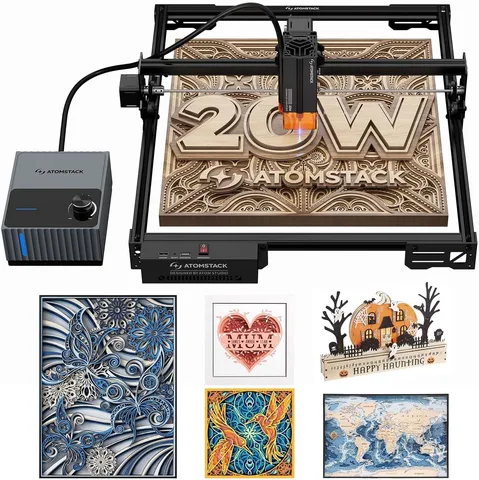
ATOMSTACK
LightBurn is supported.
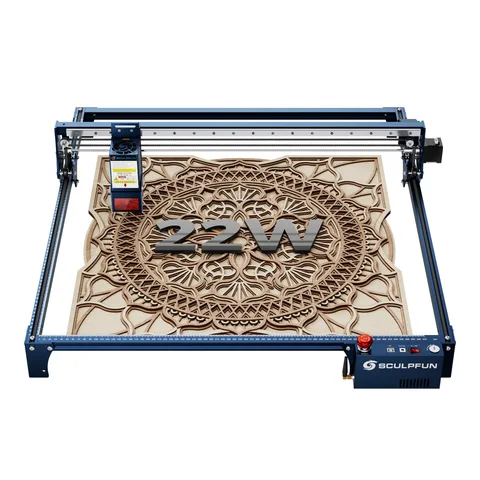
SCULPFUN
LightBurn is supported.
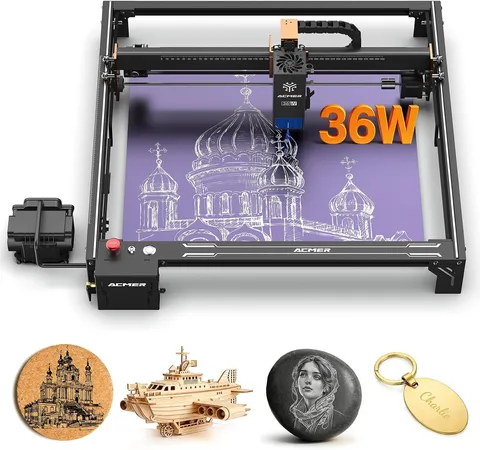
ACMER
LightBurn is supported.
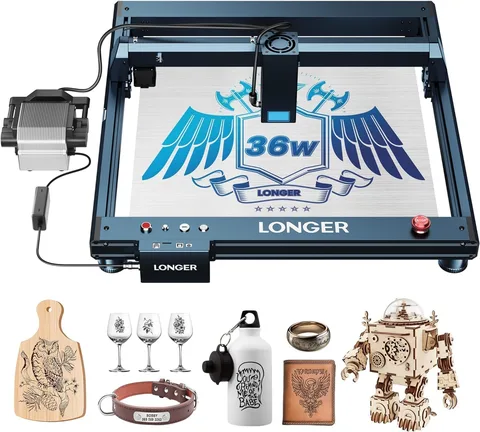
Longer
LightBurn is supported.