Working area
Published specification
Creality
60/100Score3 reviewsAmazon · Creality Official Store
Camera positioning, autofocus and touchscreen control reduce manual setup. The 2W infrared module is a separate purchase; the headline 180W is not its optical output.
A1 Pro; 20W blue laser; 2W IR module not included
Check price on AmazonResearch byPickaLaserResearch updatedResearch method
The A1 Pro 20W combines a listed 268 × 358 mm bed with autofocus and Falcon Design Space/LightBurn support. One owner praised 3 mm wood cutting and engraving accuracy after resolving a Wi-Fi problem by changing the network subnet. That is a completed individual workaround, not a requirement established for every machine.
LightBurn setup deserves a trial run before production. One early 20W case improved after configuration updates but retained an EEPROM error; another reported intermittent error 24 in LightBurn 2.1.04 while the same files ran in Falcon Design Space. These software/firmware-specific reports do not confirm a hardware fault or a universal current issue.
Wood, leather & coated-material personalization
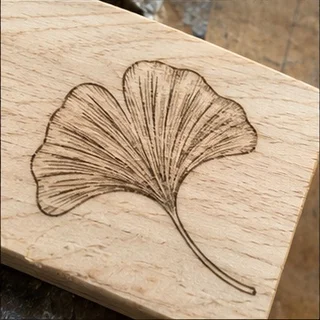

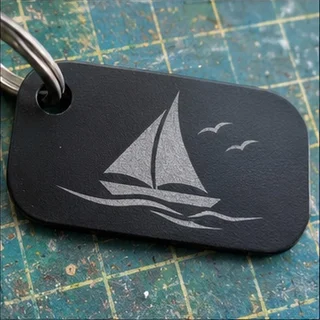
Published specification
Cooling not published
Windows only
Windows & Mac
OS not stated
Detailed owner tests show software-specific errors and a successful network workaround; a commercial professional test reports clean plywood results and limited material height.
LightBurn Software Forum · Owner-reported case
A 20W A1 Pro owner encountered interrupted jobs and G-code alarms in an early LightBurn setup. Later posts report successful short jobs and the workspace warning disappearing after updated configuration, while an EEPROM error remained. It is a software and firmware-era case, not proof that every current A1 Pro stops mid-job.
The owner explicitly names A1 Pro 20W. Follow-up through September 2025 is included; A1 10W and A1C cases are not transferred.
Read original source: A1 Pro 20W: updated setup helped, one firmware error remained ↗LightBurn Software Forum · Owner-reported case
A second 20W owner reported intermittent error 24 on fonts and imported artwork in LightBurn 2.1.04. The same files ran in Falcon Design Studio. Cable changes and several settings checks had not solved it in the visible thread, so a hardware cause or final fix is not established.
A distinct owner names A1 Pro 20W and firmware 1.1.10. Advice in replies is not a confirmed diagnosis.
Read original source: A1 Pro 20W: some LightBurn cuts failed while native software worked ↗Reddit · Owner-reported case
The owner praises 3 mm wood cutting and engraving accuracy after a two-day Wi-Fi problem was resolved by changing the home-network subnet.
An individual workaround; it does not establish that every A1 Pro requires this network change.
Read original source: A1 Pro: Wi-Fi workaround helped ↗TechRadar · Owner-reported case
The reviewer reports clean 6 mm plywood cuts and accurate camera placement, while limited material height and accessory costs constrain the workflow.
Affiliate-funded professional review; optional 2W IR results do not describe the base 20W module.
Read original source: A1 Pro: clean plywood results ↗An editorial buying assessment of specifications, prices, after-sales terms and the quality and balance of firsthand experiences. This is not a laboratory test or a customer star rating.
Reviews: evidence quality contributes 10 points and reported experience contributes 20. We average independent accounts; more reviews do not automatically earn more points. Sample size affects confidence only.
Mixed or unrated accounts use the experience midpoint; they are not counted as positive endorsements.
Documents MDF settings, logs, cables and profile updates; later jobs improved but an EEPROM error remained.
Identifies firmware, software, files and repeated cable tests; the same designs work in Falcon Design Space.
Describes the failing and working network settings and gives a completed follow-up.
LightBurn Software Forum · 2025-08-19 · serjforius · Self-reported use
A 20W A1 Pro owner encountered interrupted jobs and G-code alarms in an early LightBurn setup. Later posts report successful short jobs and the workspace warning disappearing after updated configuration, while an EEPROM error remained. It is a software and firmware-era case, not proof that every current A1 Pro stops mid-job.
Read the original discussion: A1 Pro 20W: updated setup helped, one firmware error remainedLightBurn Software Forum · 2026-10-19 · CodsworthsPotatoFarm · Self-reported use
A second 20W owner reported intermittent error 24 on fonts and imported artwork in LightBurn 2.1.04. The same files ran in Falcon Design Studio. Cable changes and several settings checks had not solved it in the visible thread, so a hardware cause or final fix is not established.
Read the original discussion: A1 Pro 20W: some LightBurn cuts failed while native software workedReddit · omni-observer · Self-reported use
The owner praises 3 mm wood cutting and engraving accuracy after a two-day Wi-Fi problem was resolved by changing the home-network subnet.
Read the original discussion: A1 Pro: Wi-Fi workaround helpedTechRadar · 2025-11-01 · Alastair Jennings · Commercial review
The reviewer reports clean 6 mm plywood cuts and accurate camera placement, while limited material height and accessory costs constrain the workflow.
Read the original discussion: A1 Pro: clean plywood results| Rated power | 20 W |
|---|---|
| Dimensions | 32 × 27 × 15 inches |
| IR module exclusion | The 2W IR Laser Module for high-precision metal and plastic engraving is NOT included and needs to be purchased separately |
|---|---|
| Rated power (quoted module) | 20W blue-laser |
| Dimensions | 32 × 27 × 15 inches |
| Laser source | 20W semiconductor diode laserSource ↗ |
|---|---|
| Rated power | 20 W blue module; 2W IR is optionalSource ↗ |
| Wavelength | 455 ± 5 nm (20W module)Source ↗ |
| Electrical | 100–240 V AC, 50–60 HzSource ↗ |
| Dimensions | 567 × 468 × 211 mm; 685 mm wide with screenSource ↗ |
| Machine weight | 16.8 kgSource ↗ |
| Working area | 268 × 358 mmSource ↗ |
| Max speed | 600 mm/sSource ↗ |
| Software | Falcon Design Space, LightBurn, LaserGRBLSource ↗ |
| Focus method | AutofocusSource ↗ |
| Cooling | Two fans on the laser headSource ↗ |
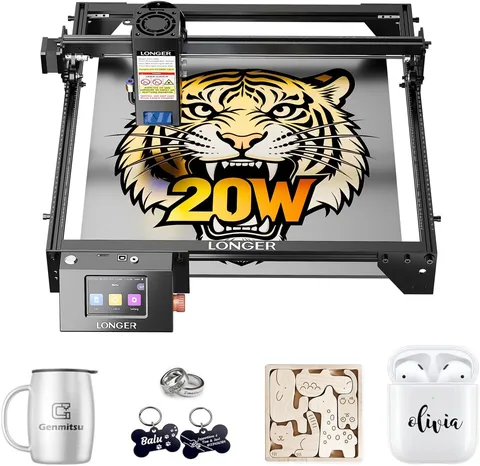
Longer
LightBurn is supported.
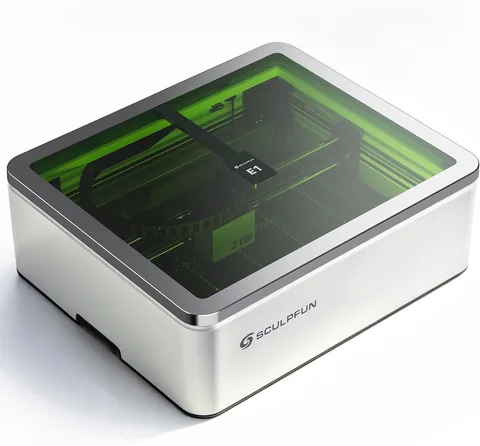
SCULPFUN
LightBurn is supported.
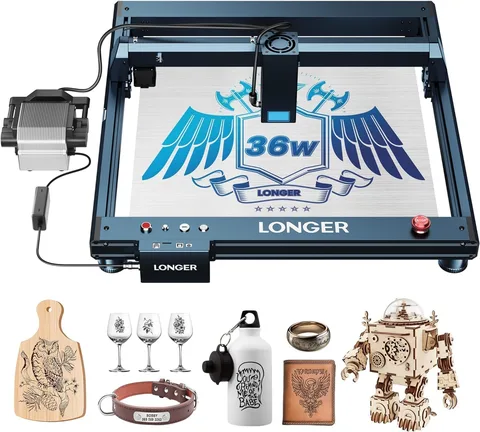
Longer
LightBurn is supported.
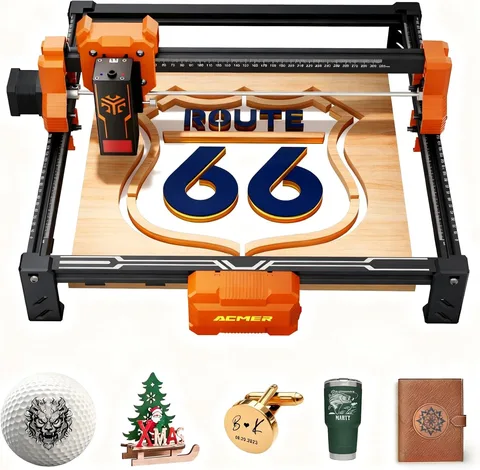
ACMER
LightBurn is supported.