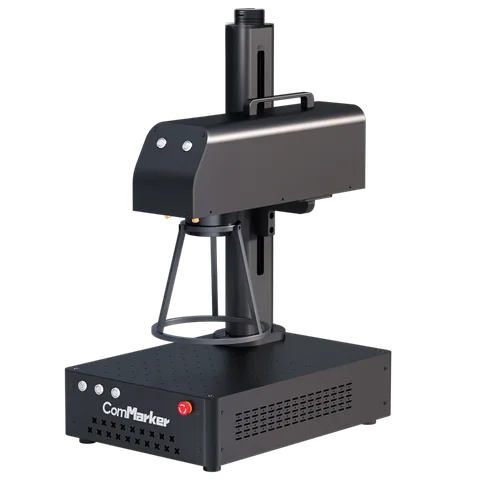
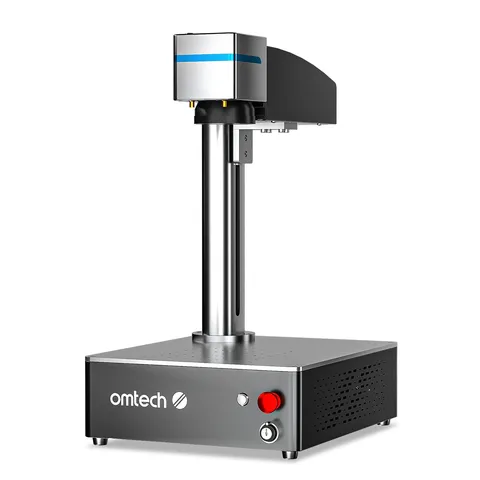
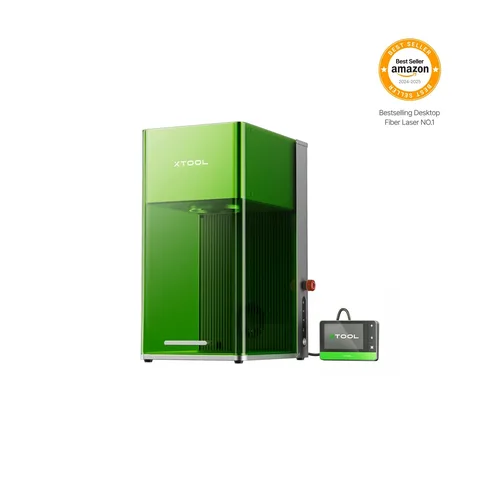
A readable serial number needs the right mark on the right part. Start with the alloy, surface finish, character height and how parts will be positioned.
Ask for a sample using your actual alloy and finish. Check contrast and legibility at the required character size, then confirm whether you need a surface mark or a recessed engraving. A metal-cutting claim is not relevant proof.
Choose the lens and fixture together
The lens field must fit the mark and the part position. The B4 manual lists two lens fields; the OMTech Amazon package has its own stated field. For curved parts, confirm rotary hardware, clearance and connector compatibility instead of assuming a rotary is included.
Check the serial-number workflow
Have the seller demonstrate the intended software using your number format, artwork and fixture. Confirm licensing, parameter files and how the next number is loaded before treating a sample mark as a production workflow.
Configurations to compare
These are starting points for a sample trial, not a tested performance ranking. Each price below belongs to the named Amazon package; shipping, tax and checkout discounts are extra.
B4 forum reports discuss settings, focusing and rotary setup, with both successes and faults. OMTech has only a short compact-family verdict, not a verified test of the selected 50W kit. F1 Ultra feedback spans its model family; its two 20W sources are separate tools, not one 40W laser.