Working area
Published specification
32.7" × 31.5"
SCULPFUN
44/100Score1 reviewAmazon · Sculpfun Direct
The large bed leaves room for bigger signs and batches. A machine this size needs dedicated space, and its listed cut depths remain seller claims rather than guaranteed results on your stock.
S70 Max; 70W diode; 32.7 × 31.5 in bed
Check price on AmazonResearch byPickaLaserResearch updatedResearch method
This comparison covers SCULPFUN S70 Max 70W using published specifications, recorded seller prices and any available owner evidence.
Selected configuration: S70 Max; 70W diode; 32.7 × 31.5 in bed · Sculpfun Direct · Original listing ↗
Wood craft parts & leather engraving

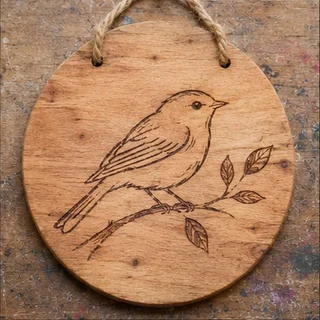

Published specification
32.7" × 31.5"
Cooling not published
Windows only
Windows & Mac
A commercial S70 Max test shows strong material-specific cutting; a separate owner’s sudden performance loss remains unresolved.
LightBurn Software Forum · Owner-reported case
An S70 Max owner reported needing slower cuts and more power for plywood that had previously cut in one pass. Cleaning and checks had not restored the old result. The owner also tried the earlier LightBurn version and said that did not help, then contacted support. No confirmed cause or repair follows.
The topic explicitly names S70 Max. The anecdote is not a measured 70W output test; suggestions about diode failure or plywood glue remain unverified.
Read original source: S70 Max: cutting performance dropped without a confirmed cause ↗Hobby Laser Cutters and Engravers · Hands-on editorial review
The tester cut 3mm black acrylic in one pass at 600mm/min and 18mm spruce in just over three passes at the same speed. The large frame showed slight vibration, the cutting test warped a thin metal backing, and thick wood produced substantial smoke.
Commercial editorial test of S70 Max with enclosure and filtration accessories. It is one creator case; the linked YouTube version is not a second independent review, and accessories are not assumed standard.
Read original source: S70 Max: strong thick cuts, demanding heat and smoke ↗An editorial buying assessment of specifications, prices, after-sales terms and the quality and balance of firsthand experiences. This is not a laboratory test or a customer star rating.
Reviews: evidence quality contributes 10 points and reported experience contributes 20. We average independent accounts; more reviews do not automatically earn more points. Sample size affects confidence only.
Mixed or unrated accounts use the experience midpoint; they are not counted as positive endorsements.
The owner gives before-and-after plywood cutting settings, cleaning checks and an unsuccessful software rollback; the cause and final support outcome remain unresolved.
LightBurn Software Forum · 2025-11-09 · skapacr · Self-reported use
An S70 Max owner reported needing slower cuts and more power for plywood that had previously cut in one pass. Cleaning and checks had not restored the old result. The owner also tried the earlier LightBurn version and said that did not help, then contacted support. No confirmed cause or repair follows.
Read the original discussion: S70 Max: cutting performance dropped without a confirmed causeHobby Laser Cutters and Engravers · 2025-05-25 · Hobby Laser Cutters and Engravers · Commercial review
The tester cut 3mm black acrylic in one pass at 600mm/min and 18mm spruce in just over three passes at the same speed. The large frame showed slight vibration, the cutting test warped a thin metal backing, and thick wood produced substantial smoke.
Read the original discussion: S70 Max: strong thick cuts, demanding heat and smoke| Rated power | 70 W |
|---|---|
| Working area | 32.7" × 31.5" |
| Laser source | 70W Diode |
| Wavelength | 455±5nm |
| Dimensions | 42 × 14 × 10.4 inches |
| Laser source | 70W Diode |
|---|---|
| Working area | 32.7" × 31.5" |
| Wavelength | 455±5nm |
| Rated power (quoted module) | 70W (70000mW) |
| Dimensions | 42 × 14 × 10.4 inches |
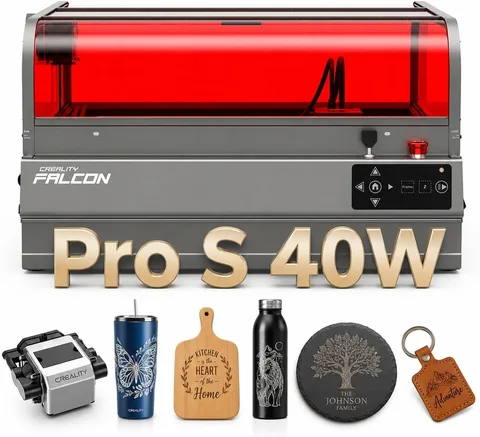
Creality
LightBurn is supported.
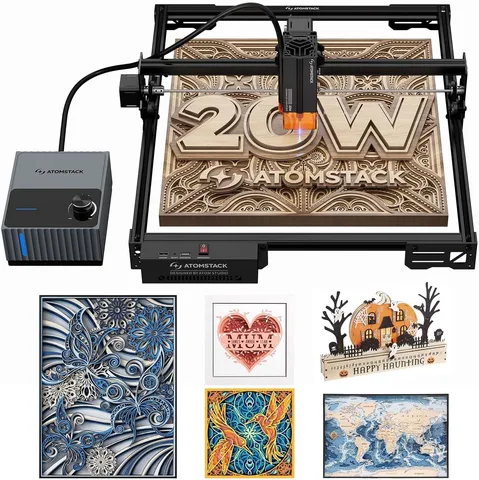
ATOMSTACK
LightBurn is supported.
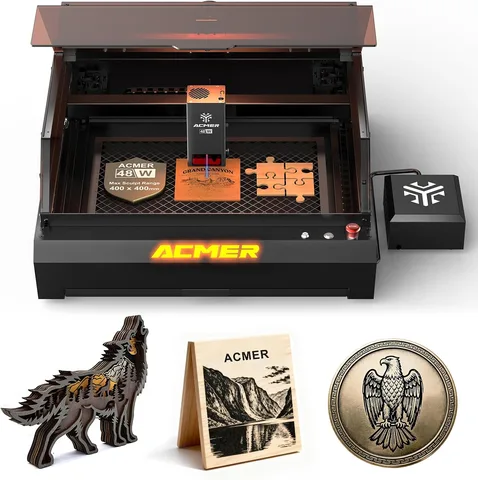
ACMER
LightBurn is supported.
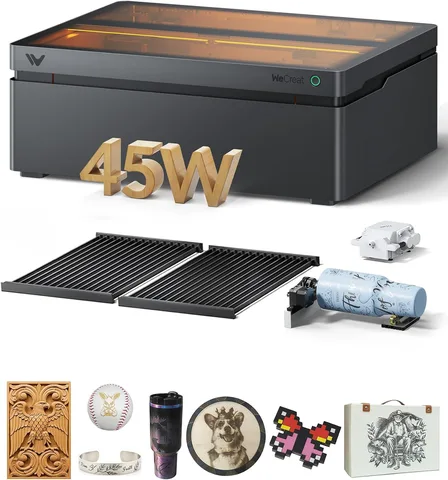
WeCreat
Autofocus handles the focusing step.