Working area
Standard field
150mm × 150mmWith extension
150mm × 400mmWith extension
250mm × 250mmWith extension
250mm × 400mmComMarker
74/100Score2 reviewsManufacturer store · ComMarker official storefront
USD · tax & shipping extra · Recorded 2026-11-10
110V / 6W / Omni X Basic Bundle
$3,399Research byPickaLaserResearch updatedResearch method
This comparison covers ComMarker Omni X UV Laser Engraver using published specifications, recorded seller prices and any available owner evidence.
Selected configuration: 110V / 6W / Omni X Basic Bundle · ComMarker official storefront · Original listing ↗
Internal crystal engraving + surface marking
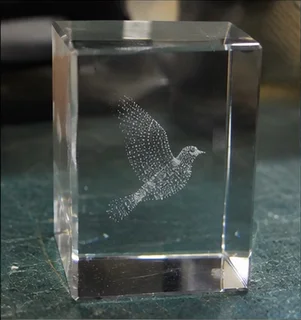
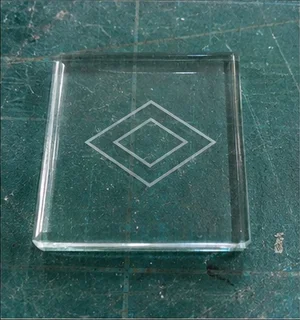
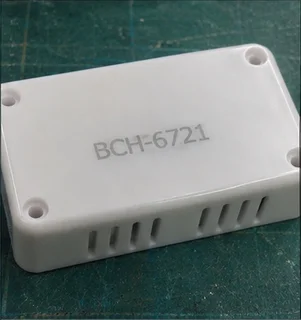
Standard field
150mm × 150mmWith extension
150mm × 400mmWith extension
250mm × 250mmWith extension
250mm × 400mmCooling not published
Windows & Mac
Windows & Mac
Optional surface engraving; manual setup
An Omni X owner struggled after a replacement board arrived, then traced the trouble to a loose wire and unsaved parameters. The final update reported the rotary working well in LightBurn. It is a useful repair follow-up, but it concerns a particular 2025 board revision, not every current unit. Another Omni X owner found that the nine-point calibration produced incorrect scaling with a 150mm field lens. Later posts recommended manual adjustment and described it as workable, though tedious. LightBurn staff acknowledged a calibration-math issue. This is historical software evidence, not a measurement of the current release.
LightBurn Software Forum · Owner-reported case
An Omni X owner struggled after a replacement board arrived, then traced the trouble to a loose wire and unsaved parameters. The final update reported the rotary working well in LightBurn. It is a useful repair follow-up, but it concerns a particular 2025 board revision, not every current unit.
Cigarznwhiskey’s updates count as one case. Omni XE and later board revisions do not inherit this result; the laser power is not stated.
Read original source: Omni X: a board change restored rotary work ↗LightBurn Software Forum · Owner-reported case
Another Omni X owner found that the nine-point calibration produced incorrect scaling with a 150mm field lens. Later posts recommended manual adjustment and described it as workable, though tedious. LightBurn staff acknowledged a calibration-math issue. This is historical software evidence, not a measurement of the current release.
Only klaus_kraemer’s named Omni X case is counted. Staff tests and replies from other models are not additional owner reviews. No Omni XE transfer.
Read original source: Omni X: manual calibration helped after scaling errors ↗An editorial buying assessment of specifications, prices, after-sales terms and the quality and balance of firsthand experiences. This is not a laboratory test or a customer star rating.
Reviews: evidence quality contributes 10 points and reported experience contributes 20. We average independent accounts; more reviews do not automatically earn more points. Sample size affects confidence only.
Mixed or unrated accounts use the experience midpoint; they are not counted as positive endorsements.
The owner describes the failure, troubleshooting and a confirmed repair or replacement outcome.
The owner gives software versions or configuration details and concrete tests, rather than only a general opinion.
LightBurn Software Forum · 2025-11-15 · Cigarznwhiskey · Self-reported use
An Omni X owner struggled after a replacement board arrived, then traced the trouble to a loose wire and unsaved parameters. The final update reported the rotary working well in LightBurn. It is a useful repair follow-up, but it concerns a particular 2025 board revision, not every current unit.
Read the original discussion: Omni X: a board change restored rotary workLightBurn Software Forum · 2025-10-23 · klaus_kraemer · Self-reported use
Another Omni X owner found that the nine-point calibration produced incorrect scaling with a 150mm field lens. Later posts recommended manual adjustment and described it as workable, though tedious. LightBurn staff acknowledged a calibration-math issue. This is historical software evidence, not a measurement of the current release.
Read the original discussion: Omni X: manual calibration helped after scaling errors| Rated power | 6 W |
|---|---|
| Electrical | 110 V |
| Working area | 5.9“ × 5.9” (150mm × 150mm) (6W); 5.9“ × 15.7” (With Slide Extension) (150mm × 400mm) (6W With Slide Extension); 9.8“ × 9.8” (250mm × 250mm) (12W); 9.8“ × 15.7” (With Slide Extension) (250mm × 400mm) (12W With Slide Extension)Source ↗ |
|---|---|
| Marking speed | 10000mm/sSource ↗ |
| Spot size | 0.0019mmSource ↗ |
| Precision | 0.001mmSource ↗ |
| Focus method | Auto FocusSource ↗ |
| Software | ComMarker Studio / ComMarker App / LightburnSource ↗ |
| Machine weight | 71 lbs (32 kg)Source ↗ |
| Electrical | 100-130V or 220-230VSource ↗ |
| Laser source | UV LaserSource ↗ |
| Rated power | 6W / 12WSource ↗ |
| Wavelength | 355 nmSource ↗ |
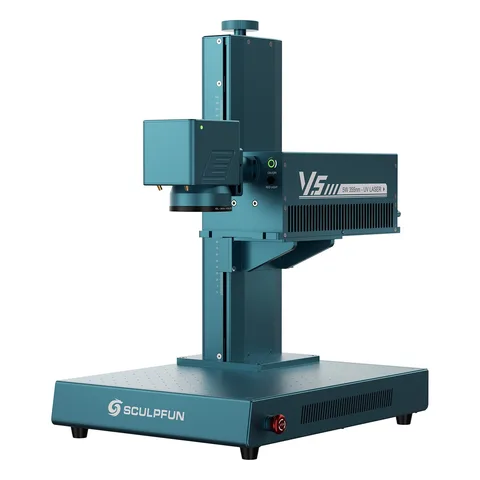
SCULPFUN
LightBurn is supported.
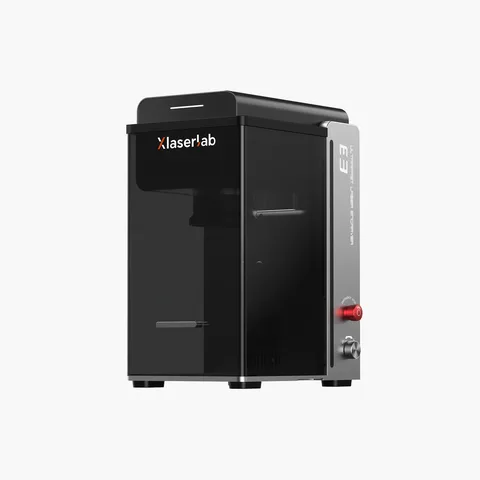
XLaserlab
LightBurn is supported.
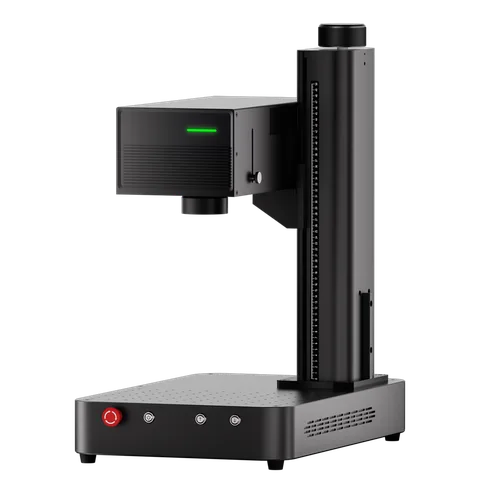
ComMarker
LightBurn is supported.
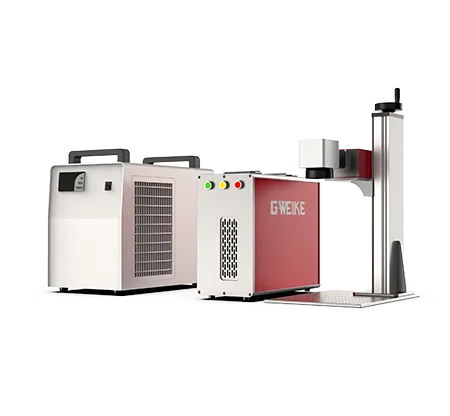
Gweike
The listed working area is 110 × 110 mm.