Laser cutting
How to Choose a Laser Cutter for a Small Business
By PickaLaser Published 3 min read
Which laser cutter should a small business buy?
Shortlist an enclosed diode machine for compatible wood and opaque materials, or a desktop CO₂ machine if clear acrylic is central to your catalog. Use the same drawing, material and accepted output to compare the exact packages.
Check the original sourcesStart with one repeatable order: a batch of engraved signs, a set of clear acrylic display parts or a sheet of packaging inserts. Write down the supplied sheet dimensions, finished sizes, monthly volume and finish customers accept. A cutter bought for an occasional prototype can be the wrong machine for the order you ship every Friday.
This guide compares published vendor configurations and a sample acceptance process. It does not rank the machines by measured speed. Use the linked model pages to review specifications and current seller offers, then ask vendors to quote the same deliverable.
In this guide
Match the machine to the material
A diode machine can be a practical starting point for compatible plywood, coated items and opaque acrylic. When the job is repeatable cutting of clear acrylic, put a CO₂ machine on the shortlist and ask the vendor to demonstrate the exact acrylic grade and thickness you buy. A machine can be suitable for marking a material without being suitable for cutting it.
Ask your supplier to identify the material and confirm that the manufacturer permits it. Keep coatings, adhesives and protective films in the material record. A polished sample made from a different sheet leaves the biggest purchasing question unanswered.
Compare three packages on the same job
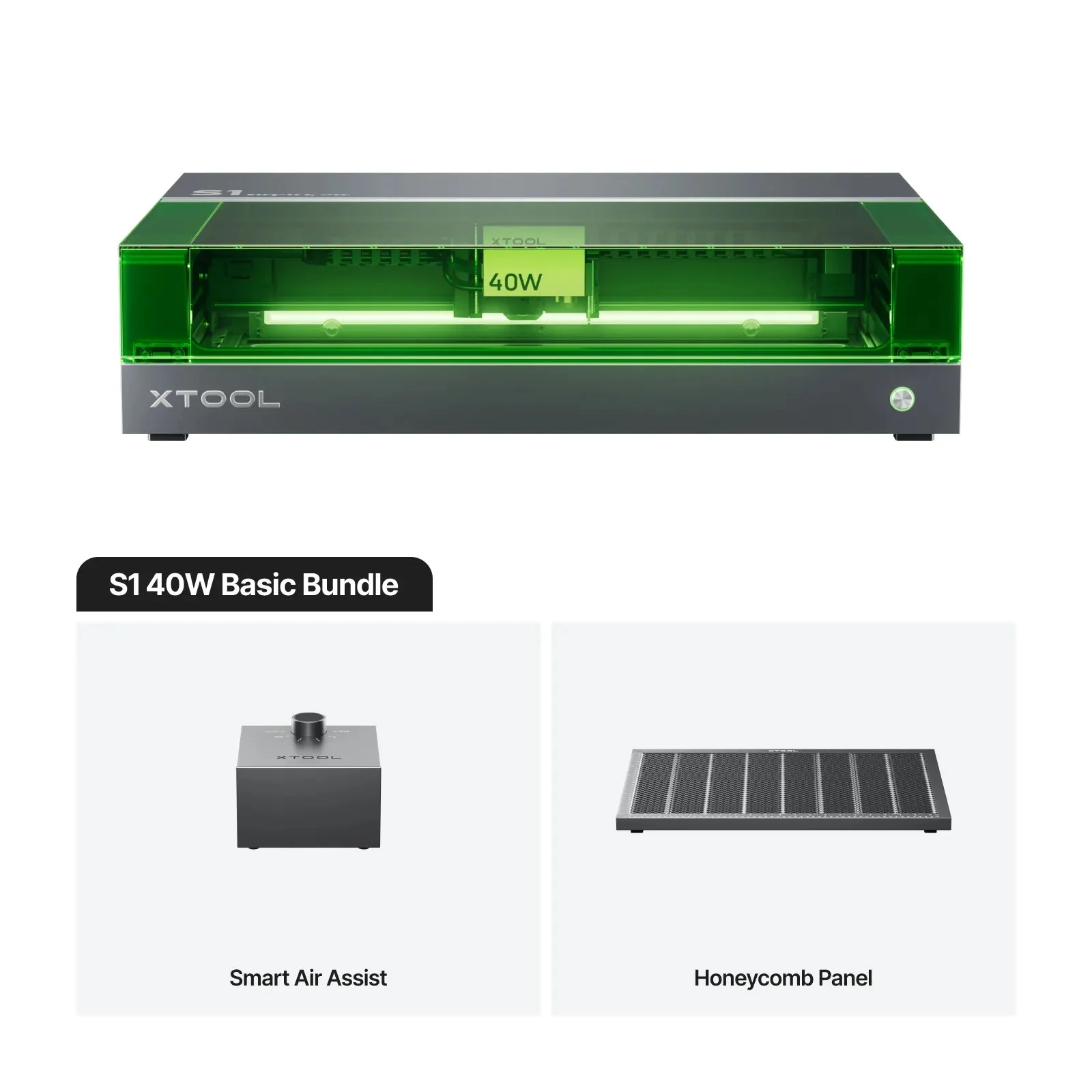
The xTool S1 is an enclosed diode platform with multiple module choices. Name the diode module in your quote and ask what air assist, support bed and extraction hardware are included. Cross out accessories the demonstration used if the written offer does not include them.
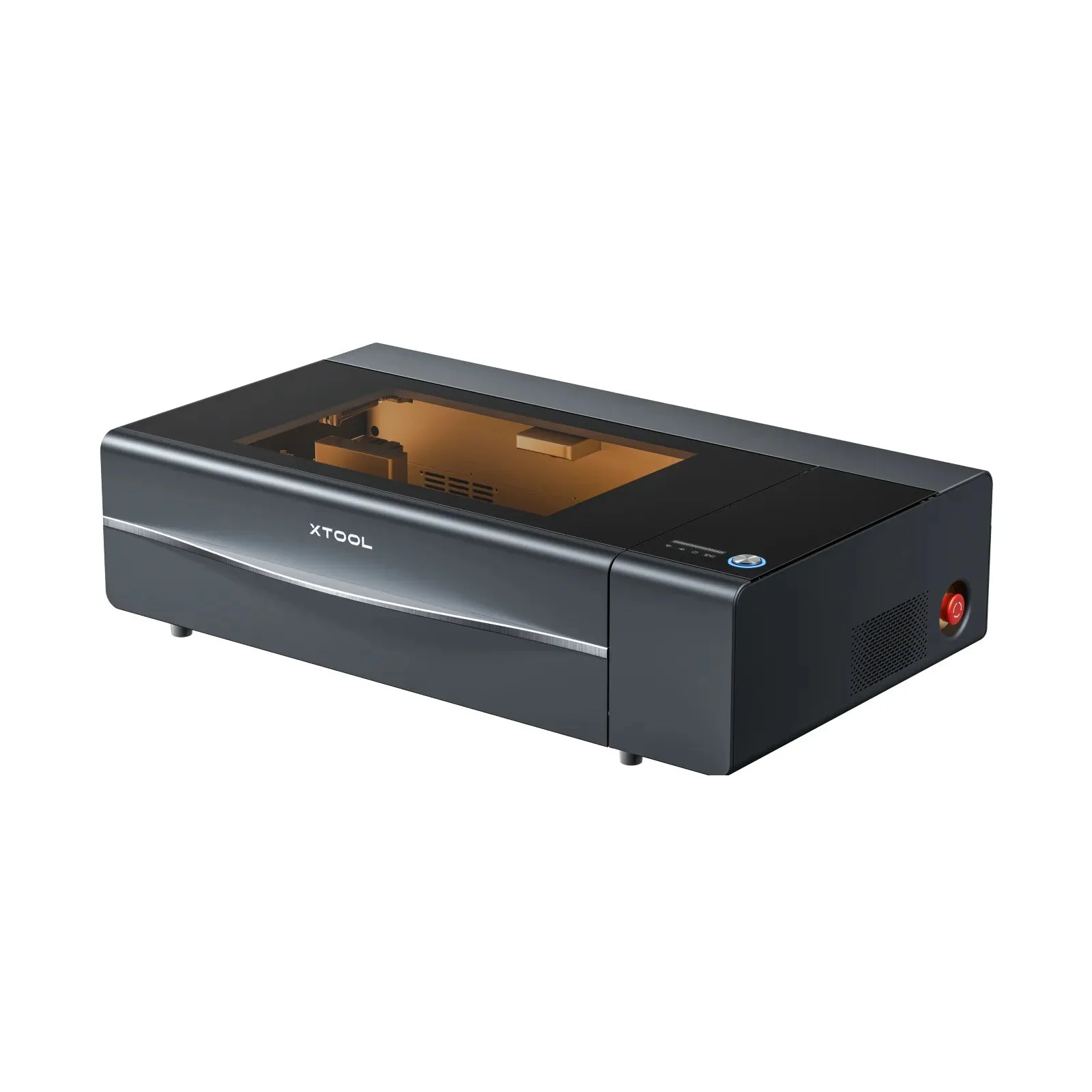
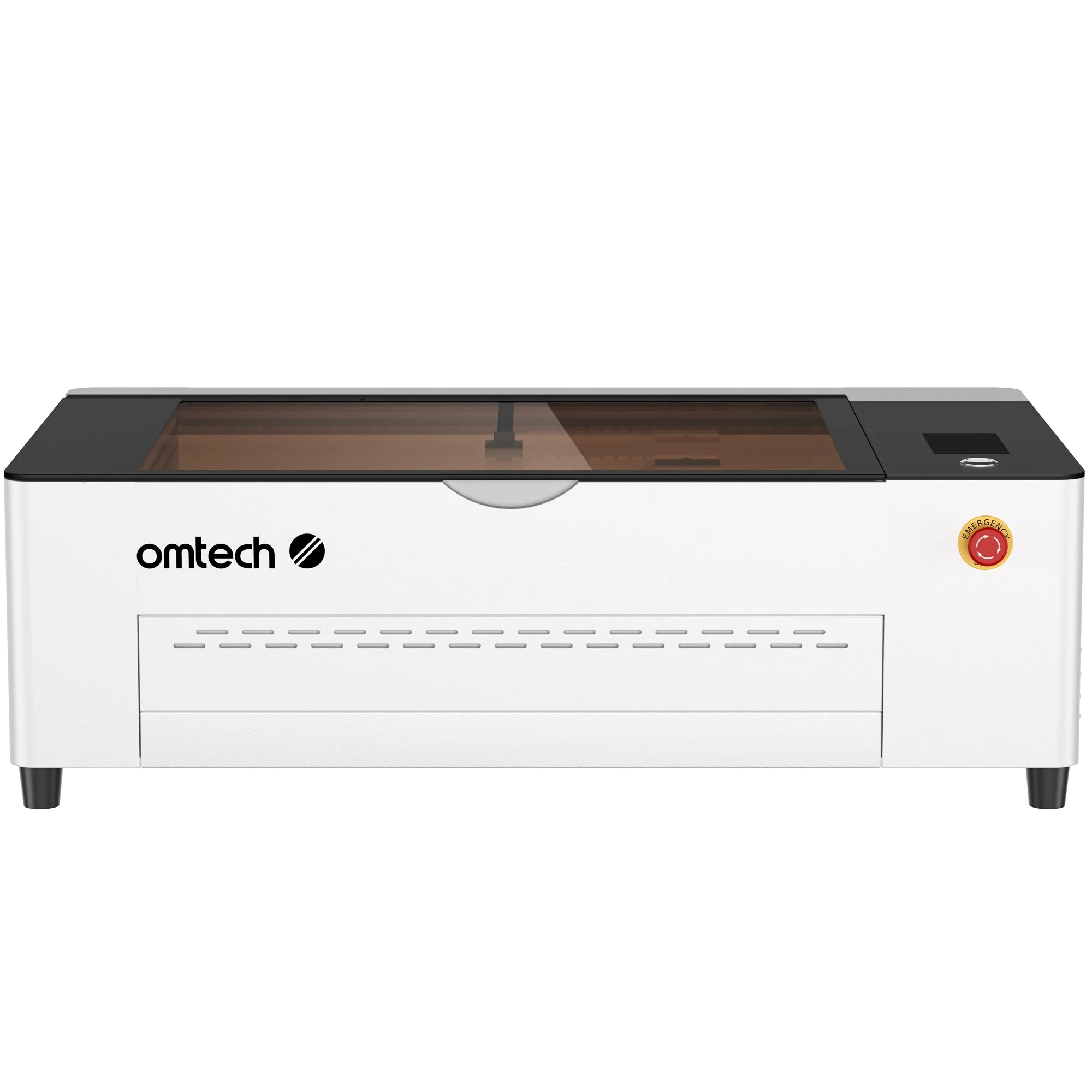
xTool lists the P2S as a 55 W desktop CO₂ machine. OMTech lists the Polar 2 as a 50 W desktop RF CO₂ machine. These are manufacturer descriptions of different packages. Include both when your order depends on acrylic cuts, and ask each seller to confirm work area, room for fixtures and the supported exhaust arrangement before you compare delivered prices.
Measure accepted parts and operator time
Give each seller the same drawing and a piece of the same batch. Ask for a production-sized sample with enough parts to expose variation across the sheet. Agree in advance how you will judge dimensions, engraving alignment, edge finish and the number of acceptable pieces.
Record the complete job time, including file preparation, loading, focusing, unloading and sorting. Divide that time by accepted pieces. Compare how much work the operator must do and how often the design needs to be re-aligned. An advertised travel speed cannot substitute for those measurements.
Ask for a complete installation quote
Ask for the machine model, optical module, bed or fixture, exhaust equipment, software license, delivery and installation in one itemized quote. Get usable work area and service clearance in writing, especially if the biggest part only just fits. Check that your workspace can support the vendor’s documented power, ventilation and safety requirements.
Include recurring work in the budget. Ask who stocks replacement optics, filters or bed parts, what the warranty excludes and who pays return freight. If the machines both produce acceptable parts, prefer the package with clearer support and lower cost per accepted part at your actual order volume.